Save the Dates · Editable digital template
Palm Springs save the date template
An editable Palm Springs save the date template with a hand-drawn venue sketch. Personalize it in Canva, download, and print. Includes a Canva Basics guide with video tutorials.
A hand-drawn desert setting, your names and date, and a Canva template you can make your own.
Secure checkout and instant-download delivery are handled by Etsy.
A Palm Springs wedding starts with a sense of place
A hand-drawn venue sketch gives this save the date its desert character without crowding out the information guests need. The illustration sets the scene; your names, wedding date and location make it personal. It is a starting point for couples who want a considered design and the flexibility to edit their own wording.
The listing photos show the design styled on paper and displayed digitally. This purchase is a digital Canva template, not a physical card, envelope or printing service.
What is included
- One Palm Springs save the date design, with a front and back.
- An editable Canva template link, provided through the download PDF.
- A 5 × 7-inch layout for preparing your print files.
- The Canva Basics guide with video walkthroughs for editing, resizing and downloading.
- PDF and JPEG export options for printing or digital sharing.
Check the Etsy listing before purchase for the current price and delivery details. Printing, paper, envelopes and postage are separate.
What you can personalize
Edit the text: replace the sample names, wedding date, location and wording on the back. Add your confirmed wedding website if you want guests to have a place to find travel information.
Adjust fonts and colors: the template uses elements available with a free Canva account. Keep the smaller information readable and give the design enough breathing room rather than adding every weekend detail to the front.
Keep the illustration or request a new one: changing the venue sketch to a drawing of your own venue is a custom design request. It is not included as a standard edit to this template. Ask about a custom venue illustration before purchasing if that is essential to your design.
From purchase to finished save the date
- Purchase through Etsy. Review the listing details, then use the download and access instructions supplied with your order.
- Open the template link. Use your Canva account and follow the included guide to create your editable version.
- Replace the sample details. Check names, date, location and website. Proofread the front and back separately.
- Choose your output. Prepare a PDF using your printer’s requirements, or export a JPEG for digital sharing.
- Check one proof. Review a printed sample before a full run, or view the digital file on a phone before sending it.
Keep your edited Canva version so a wording change does not mean starting again. For a walkthrough of the overall process, see how digital templates work.
Save the date wording you can use
Keep the message short. The formal invitation will carry the ceremony time, full address and response instructions later.
Save the date
[Name] & [Name]
[Month day, year]
Palm Springs, California
Formal invitation to follow
[Wedding website, if ready]
If some guests will receive this before you have confirmed the venue, use the destination rather than an unconfirmed venue name. For more options, read the wording and etiquette guide.
Printing without the guesswork
Before choosing paper, confirm the final card size and the printer’s file requirements. Ask whether they need bleed and crop marks, then export accordingly. A printed proof is useful for checking text size, colors, trimming and how the front and back line up.
For a 5 × 7-inch card, choose envelopes specified to fit that finished size. If you print at home, check the printer’s supported paper weight before buying cardstock. If you use a print shop, send the exported file rather than a screenshot of Canva.
Printing costs vary by quantity, paper and provider. Compare the total cost of cards, envelopes and postage separately from the template price. Our printing guide covers paper, sizing and choosing a printing route.
Planning a destination wedding mailing
Send your save the date once the wedding date and destination are confirmed, with enough lead time for your guests to make travel plans. Consider how far they are traveling and when accommodation information will be available rather than treating one mailing date as right for every wedding.
The save the date does not need a full itinerary. Use your wedding website for confirmed travel information and update it as arrangements are finalized. Explore the Palm Springs wedding stationery guide for ideas about the invitation and weekend pieces that follow.
Before you buy
Answers that make the next step easier.
Can the venue sketch be changed to my venue?
The sketch on this design is drawn for Palm Springs settings. If you want your specific venue drawn, that is a custom request rather than an edit to the template.
Do I need Canva Pro?
No. The template is built with elements available on the free plan.
What can I edit?
All text, including names, date, location and the wording on the back. Fonts and colors can be changed too, though the layout is set up to look right as designed.
How do I get the file?
Instantly after purchase. You get a PDF containing your Canva template link plus the Canva Basics guide with step-by-step video tutorials.
Will a printed card arrive in the mail?
No. This is a digital template. You receive the template access and instructions after purchase, edit the design, and arrange your own printing. The props and envelopes in the listing photos are styling examples.
What size is the save the date?
The included layout is 5 × 7 inches, with a front and back. Confirm any resizing and export settings before sending files to your printer.
Can I send it digitally?
You can export a JPEG for sharing. Check that the names, date and location stay readable on a phone before sending it to guests.
Does this purchase include a matching invitation suite?
This listing is for the Palm Springs save the date design. A matching invitation, RSVP or weekend itinerary is not included unless specifically listed. Contact the studio about additional pieces or a custom request.
Secure checkout and instant-download delivery are handled by Etsy.
Keep browsing
You might also like
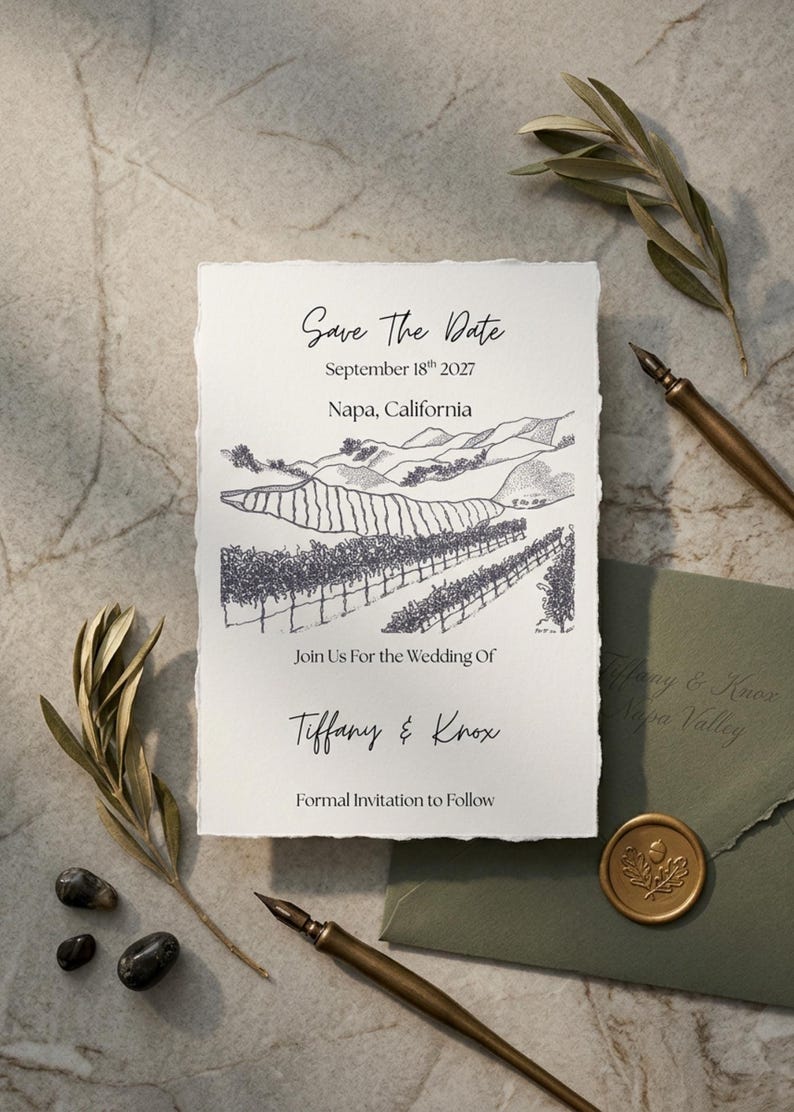 Available now
Save the Dates
Napa Valley Save the Date Card
A hand-drawn vineyard sketch, an editable front and back, and space to help guests plan their wine country trip.
$6.50View details →
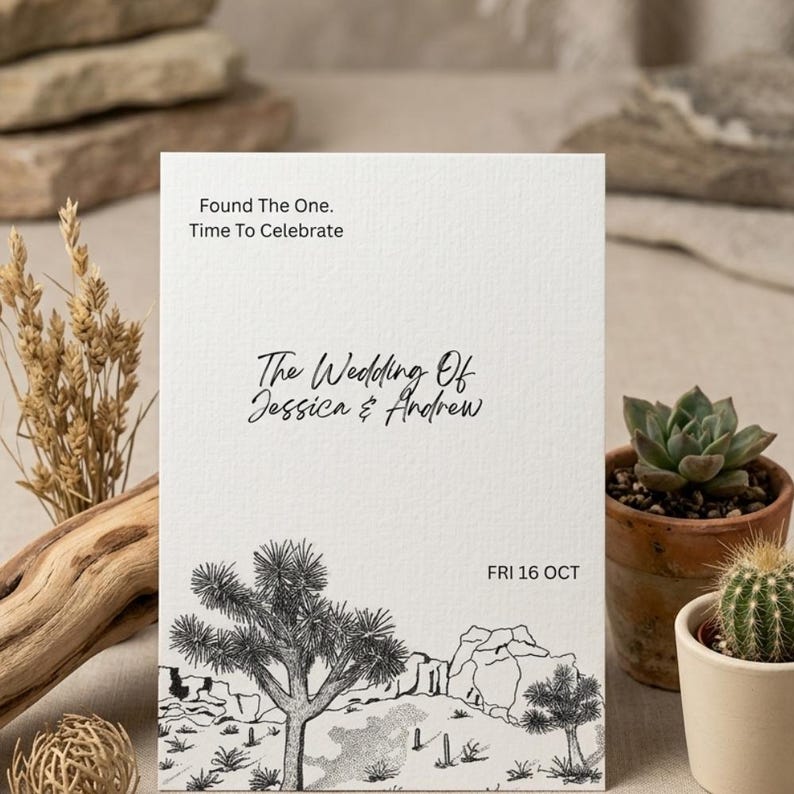 Available now
Wedding Invitations
Joshua Tree Wedding Invitation Template
Hand-drawn desert scenery with editable wording for a wedding, elopement, or outdoor celebration.
$6.50View details →
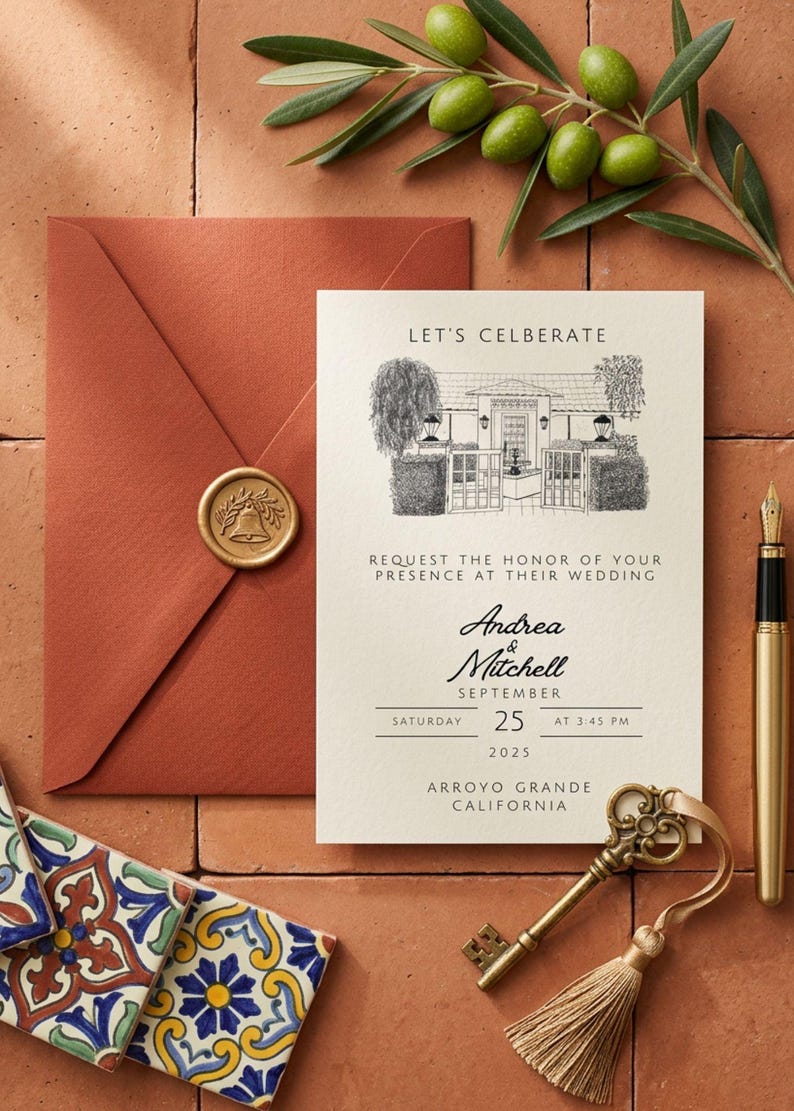 Available now
Wedding Invitations
Hand Sketched Wedding Invitation
A hand-drawn venue illustration, a restrained layout, and room for the details your guests need.
$6.50View details →