Save the Dates · Editable digital template
Napa Valley save the date template
An editable Napa Valley save the date template with a hand-drawn vineyard sketch. Personalize in Canva, download and print. Includes the Canva Basics guide.
A hand-drawn vineyard sketch, an editable front and back, and space to help guests plan their wine country trip.
Secure checkout and instant-download delivery are handled by Etsy.
A vineyard save the date that helps guests make a plan
This Napa Valley save the date template pairs a hand-drawn vineyard sketch with editable wording on the front and back. The illustration introduces your wine country setting; the reverse gives you room for the practical information guests need before the formal invitation arrives.
Use the gallery to review both sides. The design can suit a Napa wedding or another wine country celebration when you change the location line. The existing illustration remains the same, so choose it for the scenery and style rather than expecting a new drawing of your venue.
What your purchase includes
- One editable Canva save the date design, front and back.
- A layout designed for a 5x7-inch card.
- PDF and JPEG export options for your finished design.
- The Canva Basics guide with video tutorials.
The purchase is a digital template. Printed cards, envelopes, postage, and a full wedding stationery suite are separate. See how the template process works before starting if you are new to Canva. Planning the invitation too? Read the Napa Valley wedding invitations guide.
Keep the front simple and useful
Your names, wedding date, and destination are the essentials. Add “formal invitation to follow” to make the card’s purpose clear. Use the actual town or location that helps guests plan; a broad regional name alone may not tell them where to stay.
Here is a fictional wording example to adapt:
Save the date
Taylor and Alex are getting married
[Month, day, year]
[Town], California
Formal invitation to follow
[Wedding website]
Proofread the date after every edit, especially if you change the font or line breaks. For hosting language and more destination examples, visit the save the date wording guide.
Use the back for the next step guests should take
The reverse is most helpful when it answers a real planning question. Add the wedding website, a short travel note, and accommodation information only if it is confirmed. Avoid filling the card with a schedule that may change.
For example:
We can’t wait to celebrate with you in wine country.
Accommodation suggestions and travel details: [Website]
More information will be added as plans are confirmed.
If a room block is ready, include the correct booking link or direct guests to the page that explains it. If it is still being arranged, say when guests can expect an update on the website. Do not describe accommodation as reserved until that is accurate.
Personalize and export in five steps
- Open the Canva template through the files supplied with your Etsy purchase.
- Replace names, date, and destination on the front.
- Add your website and a concise, confirmed travel note on the back.
- Check both sides for consistent spelling, spacing, and readable text.
- Export a PDF for printing or a JPEG for digital sharing.
Test your website on a phone before including it. If sharing a JPEG, add the website as a clickable link in the message as well; guests should not have to retype a small URL from an image.
Print both sides without surprises
Tell the printer this is a two-sided 5x7-inch card and ask how they want the front and back supplied. Follow their guidance on page order, bleed, and crop marks. A printed proof lets you check orientation, trimming, color, and the smallest text before committing to the full quantity.
For a home print, test the duplex orientation on plain paper first. Then use cardstock supported by your printer and check that the exported file prints at the intended size. Compare the finished proof with your envelope measurements. The printing guide covers file preparation and paper choices.
Choose a mailing date around your guests’ travel needs
Confirm your date, destination, and intended guest list before sending save the dates. For a celebration that requires travel, an eight-to-twelve-month planning window is a useful starting point. Adjust it to your booking timeline and how much notice your guests need.
You do not need every weekend detail finalized before sending. You do need a reliable date, a useful destination, and a clear place for guests to find updates. Keep evolving information on your website so the printed card remains useful.
For a different destination illustration, compare the Palm Springs save the date. If you want a new venue drawing or matching pieces, discuss a custom design request before ordering.
Before you buy
Answers that make the next step easier.
What is included with the Napa Valley save the date template?
You receive one editable Canva design with a front and back, a 5x7 layout, and the Canva Basics guide with video tutorials. Export your finished cards as PDF or JPEG files. This is a digital purchase; printed cards and envelopes are not included.
Can I use the Napa Valley save the date for a Sonoma wedding?
Yes. Change the editable location line to your actual wedding destination. The vineyard illustration remains the existing Napa-inspired drawing, so choose it if that imagery suits your celebration.
Does the vineyard save the date template have a back side?
Yes. Use the back for a wedding website, a short travel note, or confirmed accommodation information. Keep longer or frequently changing details on your website.
Can I add a photo to the Napa Valley save the date?
You can add a photo in Canva, but this layout is designed around the vineyard illustration. Ask about a custom layout if a photograph should be the main feature.
What size is the Napa Valley save the date template?
The card is designed at 5x7 inches. Confirm your printer’s file requirements and your envelope measurements before ordering printed cards or supplies.
When should I send wine country wedding save the dates?
Send them once your date, destination, and guest list are confirmed. If guests need travel and lodging, give them extra planning time. A window around eight to twelve months before the wedding is a useful planning starting point, rather than a deadline for every couple.
Can I send the Napa Valley save the date digitally?
Yes. Export a JPEG and share it through your chosen email or messaging service. Check the text is legible on a phone and include your wedding website as a clickable link in the accompanying message.
Does the Napa Valley save the date include matching wedding invitations?
No. The purchase covers the front-and-back save the date design. Contact the studio to discuss separate matching stationery and confirm its scope and price.
Secure checkout and instant-download delivery are handled by Etsy.
Keep browsing
You might also like
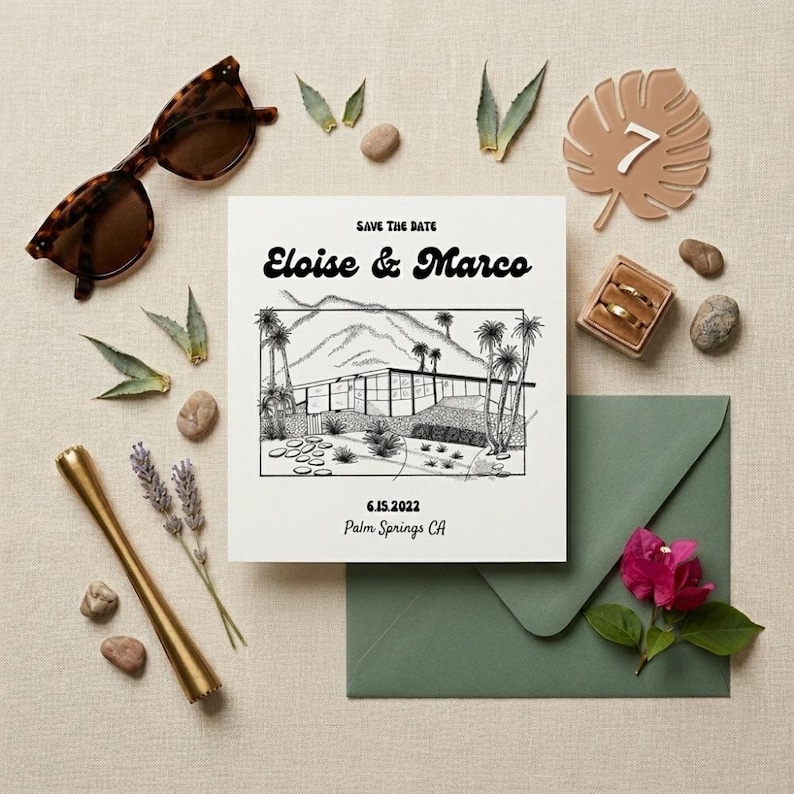 Available now
Save the Dates
Palm Springs Save the Date Card
A hand-drawn desert setting, your names and date, and a Canva template you can make your own.
$6.50View details →
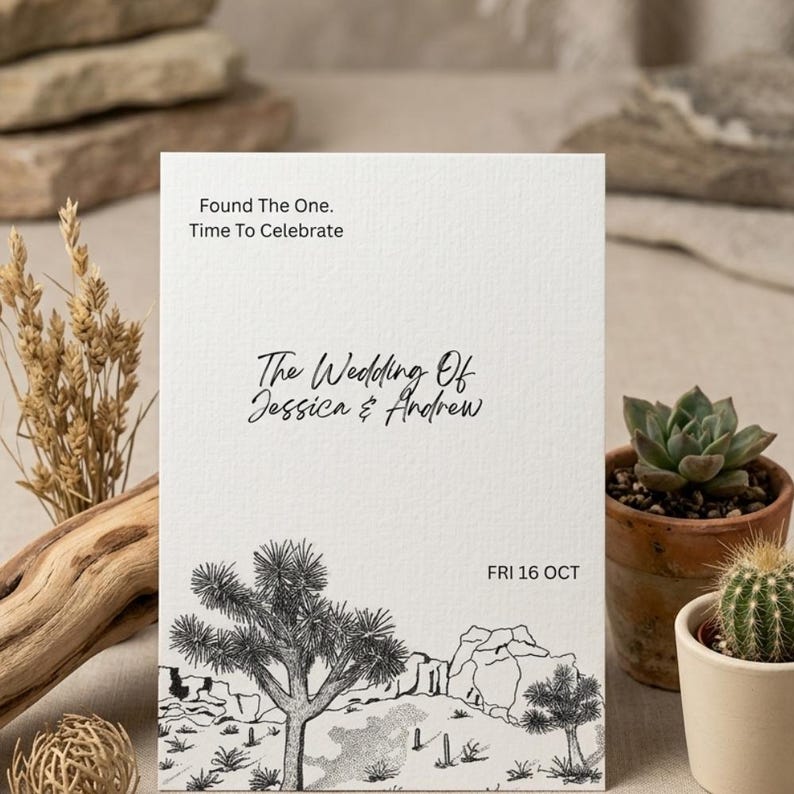 Available now
Wedding Invitations
Joshua Tree Wedding Invitation Template
Hand-drawn desert scenery with editable wording for a wedding, elopement, or outdoor celebration.
$6.50View details →
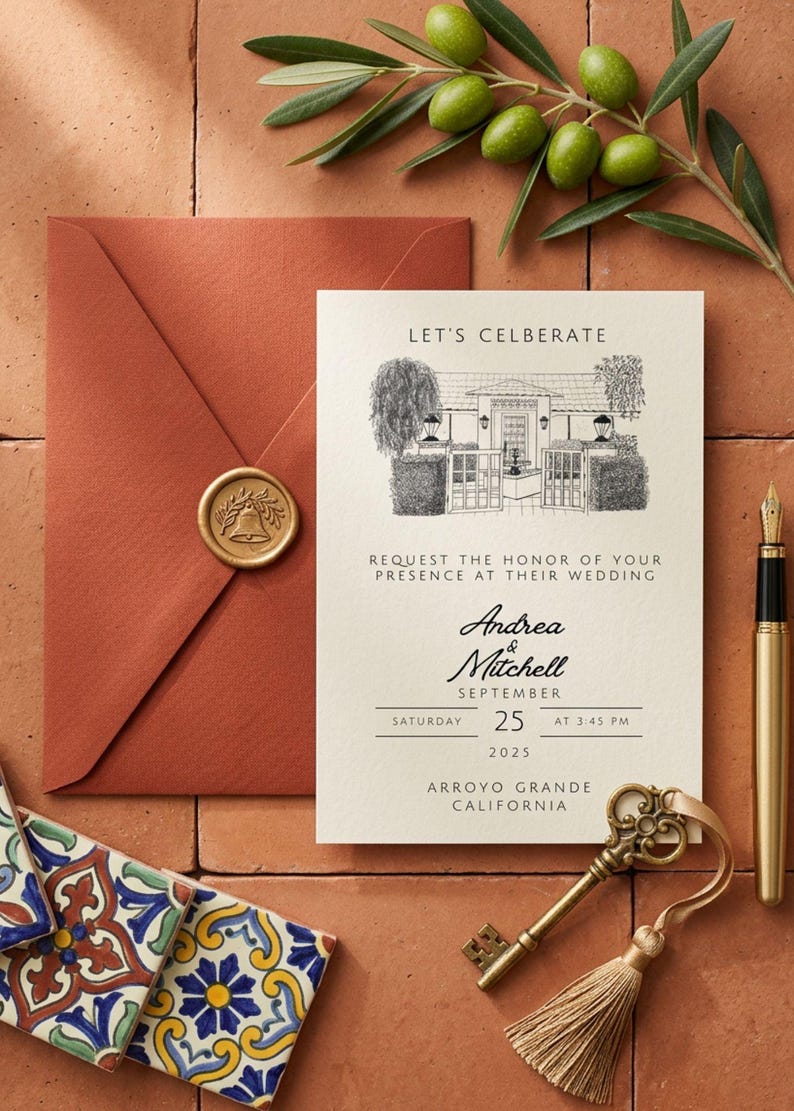 Available now
Wedding Invitations
Hand Sketched Wedding Invitation
A hand-drawn venue illustration, a restrained layout, and room for the details your guests need.
$6.50View details →