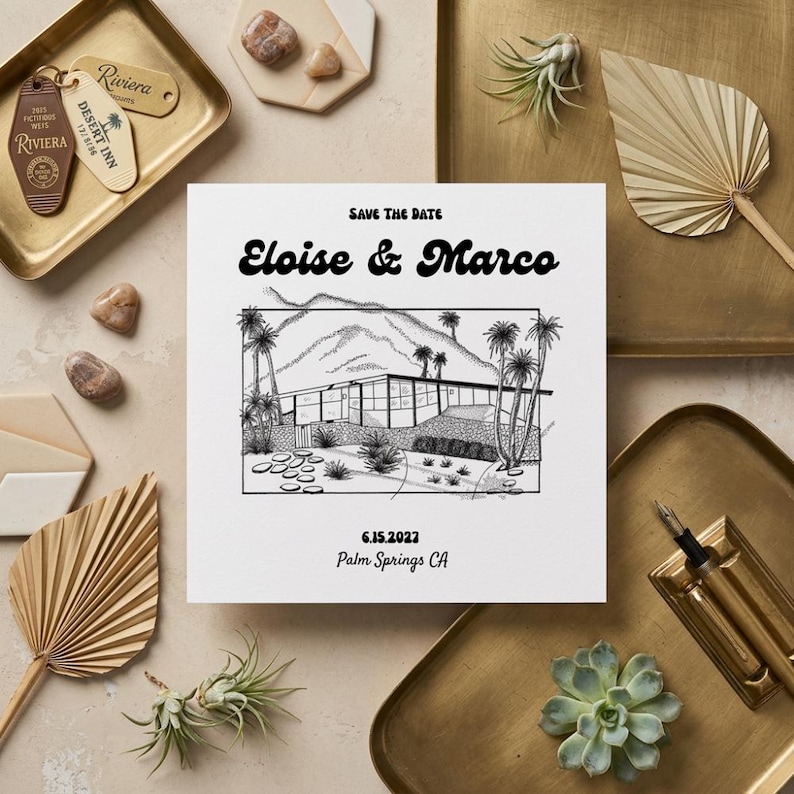
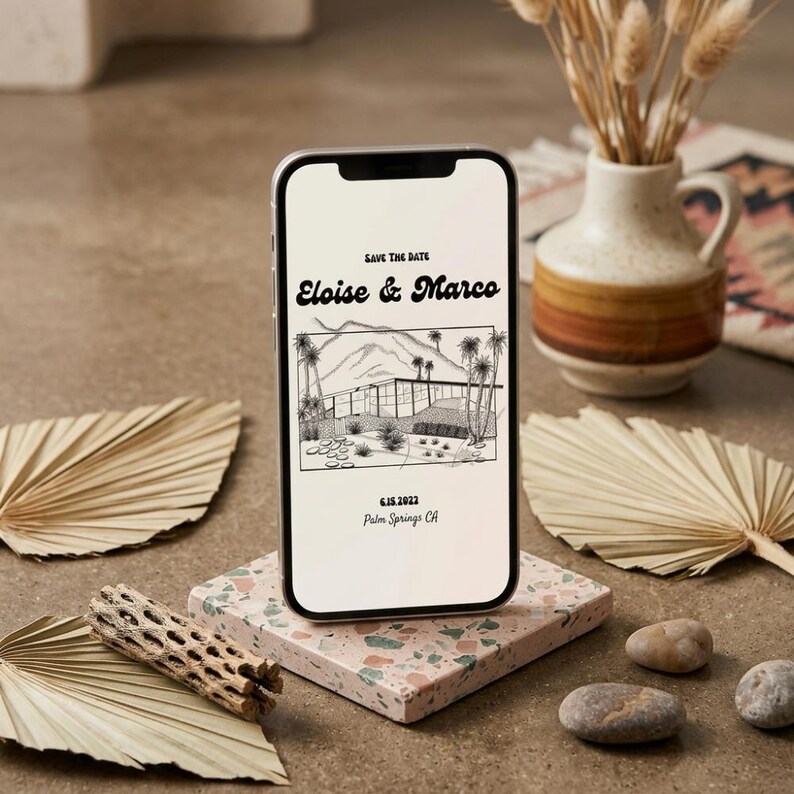
Desert celebrations · Thoughtful stationery
Palm Springs wedding invitations & save the dates.
Bring the desert setting into your wedding stationery with hand-drawn architecture, warm color and room for the details guests need. Start with our editable Palm Springs save the date, or ask about a custom invitation suite.
Digital template · Edit in Canva · Arrange your own printing
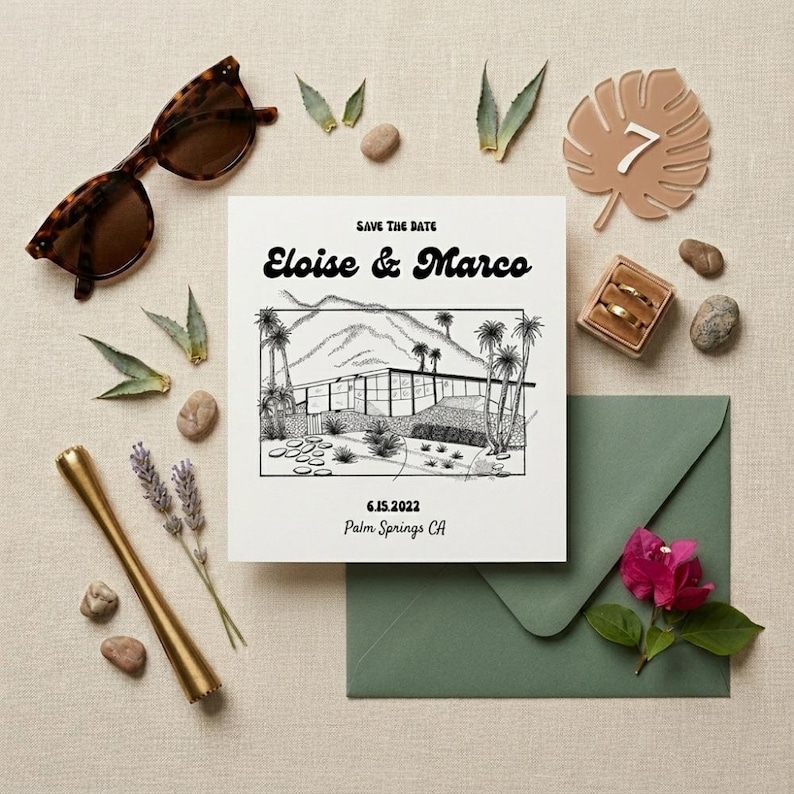
A setting, not just a color scheme
Choose one Palm Springs detail to lead the design.
Hand-drawn venue
Let a hotel facade, courtyard or desert landscape be the focal point. Keep the names and date easy to find instead of crowding the illustration.
Mid-century modern
Try geometric spacing, restrained typography and one accent color. Pair a distinctive heading with a readable font for addresses and weekend information.
Warm desert color
Use sand, terracotta or muted pink with dark text. Print a proof: pale lettering and textured backgrounds can look different on paper than on screen.
What belongs in a destination wedding suite?
Give each piece a job so guests can find travel and RSVP details quickly.
- Save the date: your names, wedding date, Palm Springs location and wedding website.
- Main invitation: who is hosting, ceremony date and time, venue name and full address, plus reception details if needed.
- RSVP: response deadline, response method, guest names and meal choices when relevant.
- Details card: website, accommodation information, dress code and transportation arrangements that are confirmed.
- Weekend itinerary: welcome drinks or farewell brunch with date, time, location and who is invited. Label optional events clearly.
Set your response deadline around the dates your venue and vendors require final numbers. Send travel information as soon as it is confirmed so guests can plan.
Make it your own
A simple invitation wording example.
Together with their families
[Name] and [Name]
invite you to celebrate their wedding
[Day, month date, year] at [time]
[Venue name]
[Street address], Palm Springs, California
Reception to follow
Please reply by [date] at [wedding website]
Replace every placeholder, verify the venue address and spell out the dress code on your details card or website. Avoid putting a full weekend itinerary on the main invitation.
More invitation wording helpFrom editable template to finished paper.
- Review the product page for dimensions, included files and editing instructions. The featured save the date is a front-and-back 5 × 7 design.
- Open the Canva link and replace names, date, location and wording. Text, fonts and colors can be edited; a new venue sketch needs a custom request.
- Ask someone else to proofread names, times, address and website. Test links and QR codes if you add them.
- Export using the printer’s file and bleed requirements. Order or print one proof before the full run.
- Choose envelopes that fit the finished card and check postage for the assembled mailing.
Questions before you choose a design.
Is this a printed invitation service?
The featured Palm Springs save the date is a digital Canva template. You edit and download it, then arrange printing yourself. Confirm the details of any other design in its listing before purchasing.
Can I change the venue illustration?
You can edit the template text, fonts and colors. A new illustration of your particular venue is a custom design request; it is not a standard text edit.
Do I need Canva Pro for the featured save the date?
The Palm Springs save the date uses elements available on the free Canva plan, according to the current product details.
Can I request matching invitation and weekend pieces?
Send a custom request describing your invitation, RSVP, details card and day-of needs. Ask the studio to confirm scope, availability, price and turnaround before making plans around a custom suite.
From the studio
A closer look at the design.
See the details in the listing photos, then explore the editable template.